
Here’s how I did it.
First things first
SEO is still a thing, even in 2026. Google AI Overviews and other LLMs often favour pages with good SEO when selecting sources to cite. And by good SEO, you should already know I mean creating genuinely helpful content for your target audience.
BUT, helpful content isn’t always enough when you have several competitors in the game. They’re also churning out “Best X” listicles with their own products sitting at number one. In a competitive market, you can easily end up among the brands whose pages get cited, but whose products don’t. Unfortunately, LLMs don’t necessarily take self-promotional “Best X” claims at face value either. That makes AEO and GEO even harder to optimise.
Additionally, writing helpful content means providing original data and insights that others can cite, rather than publishing generic AI slop. But producing these data-driven pieces is time-consuming, especially for a multifaceted brand with several products and topics to cover.
In practicality a helpful content would look like this, it;
answers the main question immediately, instead of burying the answer under 500 words of introduction.
explains terminologies simply, so readers don’t need another tab open just to understand your article.
gives each section a clear, self-contained answer, without forcing readers to hunt through the rest of the page for context.
uses primary sources, real examples and transparent calculations wherever possible.
compares products using the same criteria, rather than changing the standard whenever it makes your product look better.
includes risks, limitations, methodology and practical next steps, instead of presenting claims without context.
uses screenshots, diagrams, tables and charts when they genuinely help explain something, rather than adding visuals for decoration.
Doing all of this manually across dozens or hundreds of pages is where things get difficult.
And this is where AI comes in…
So I did this
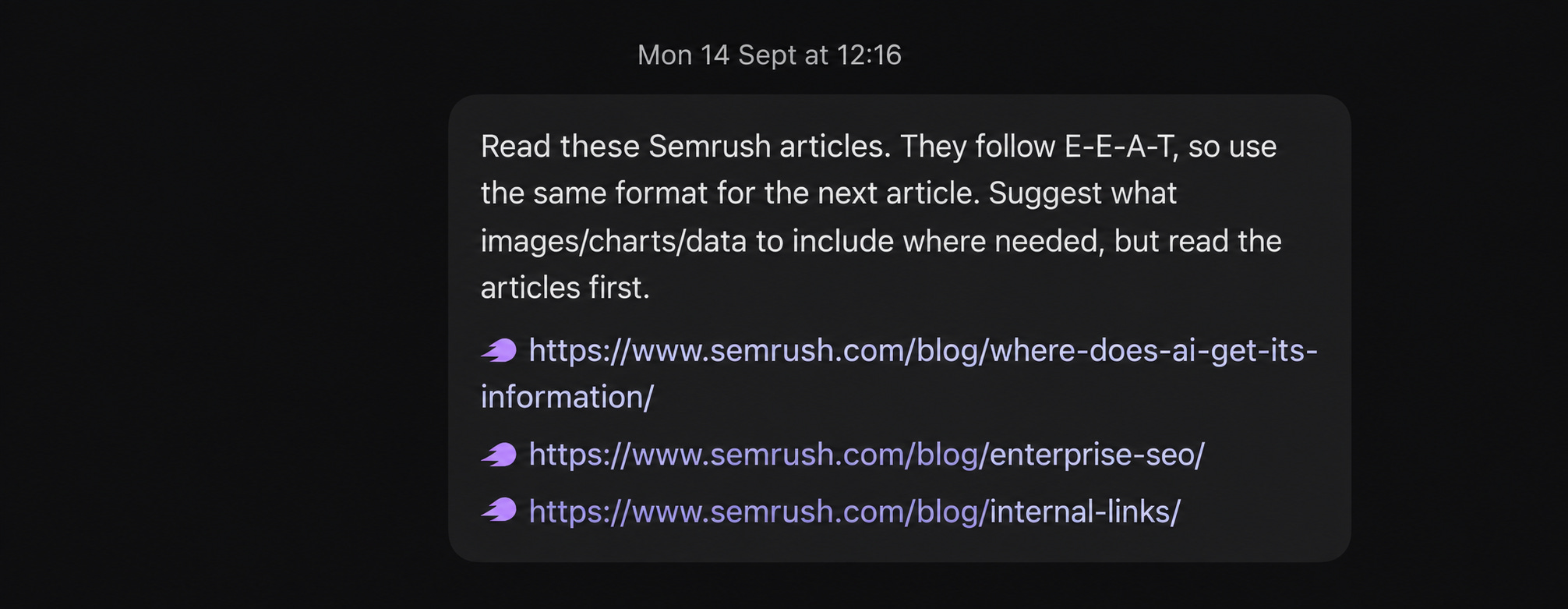
I picked three sample articles from Semrush and asked Codex to study their structure, then wait for my next prompt.
For context, Semrush is a well-known SEO platform and industry leader. Their articles are usually in-depth, well-structured and heavily cited.
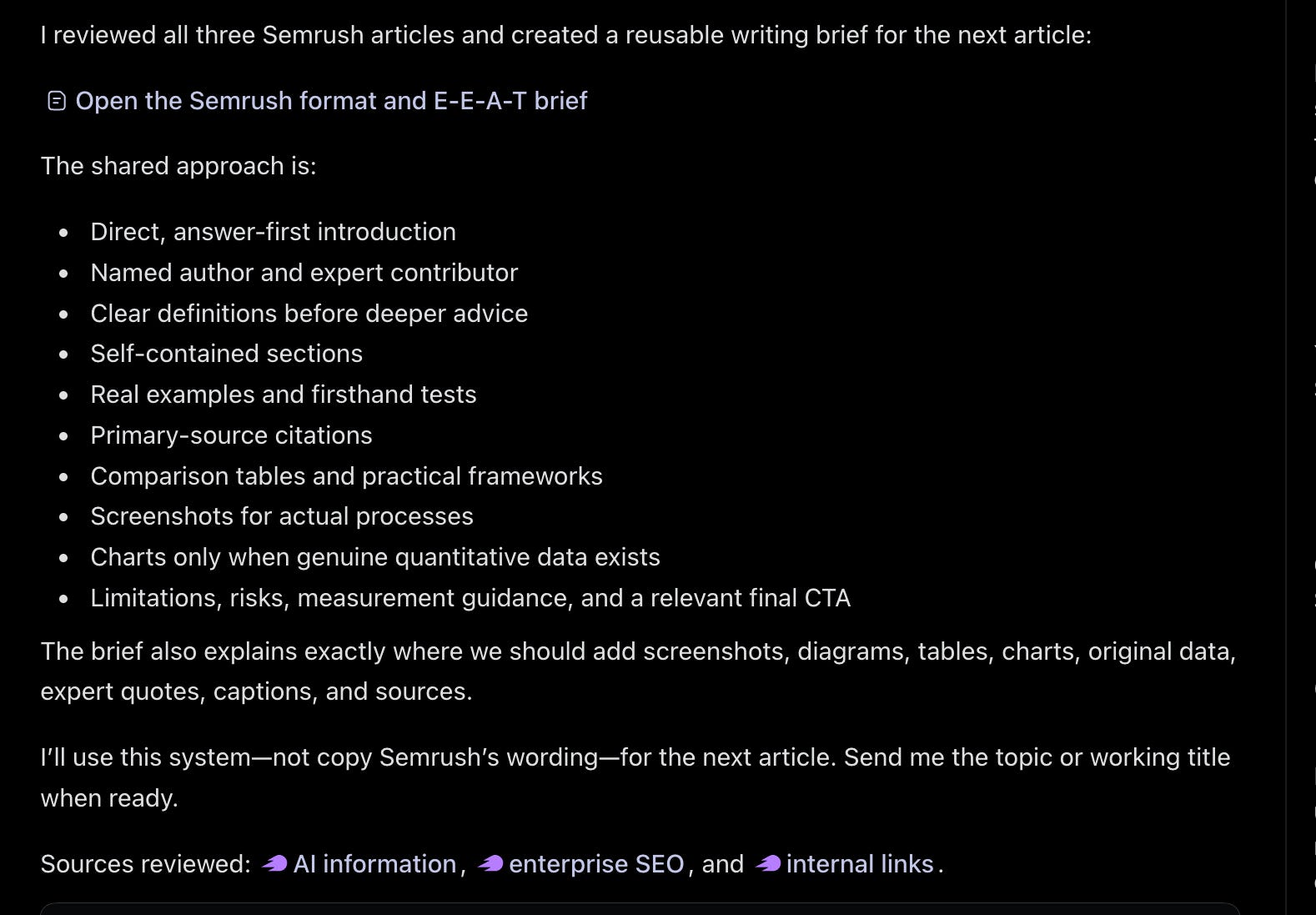
It returned a writing brief based on the articles’ structure.
I had earlier collected fan-out queries for the keyword from ChatGPT Chat and fed them into Codex as a guide for writing the article. I asked it to connect those to Pionex internal data sources and also interlink naturally with existing articles in the Pionex Card category.
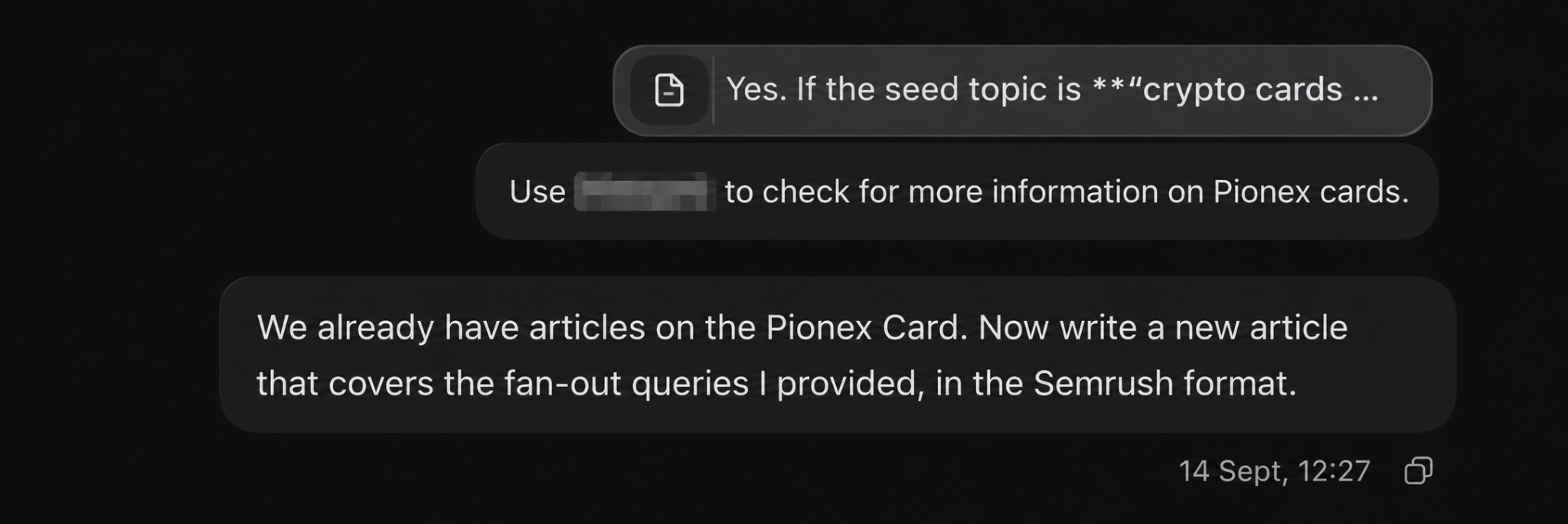
The result? It returned a draft with suggested images and charts that I needed to make it richer.
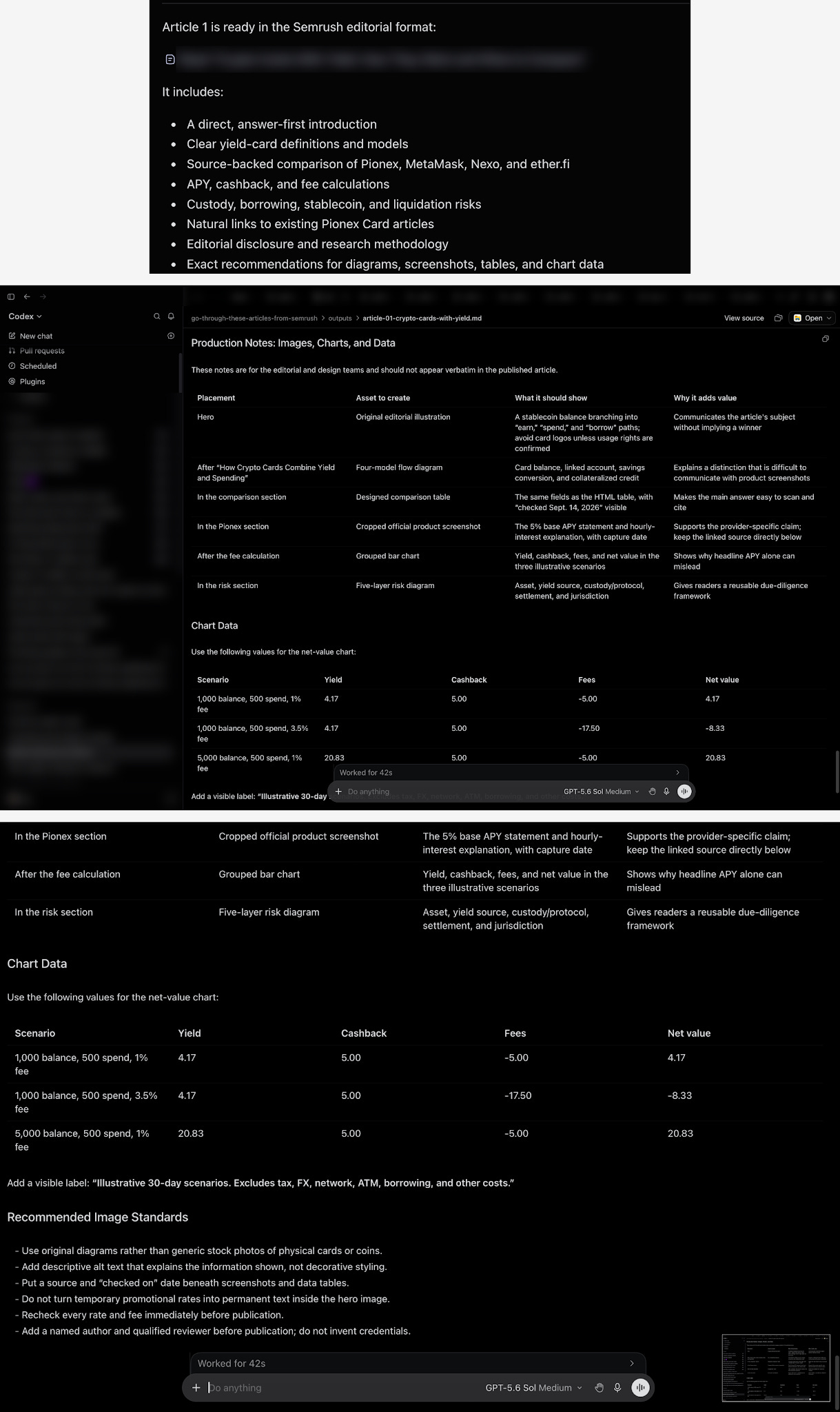
Now, having the notes for images and charts, I simply dumped the markdown file into ChatGPT Chat to create the suggested images using the brand design guidelines.

72 hours later
72 hours after the article went live, I decided to check the results and found two interesting things:
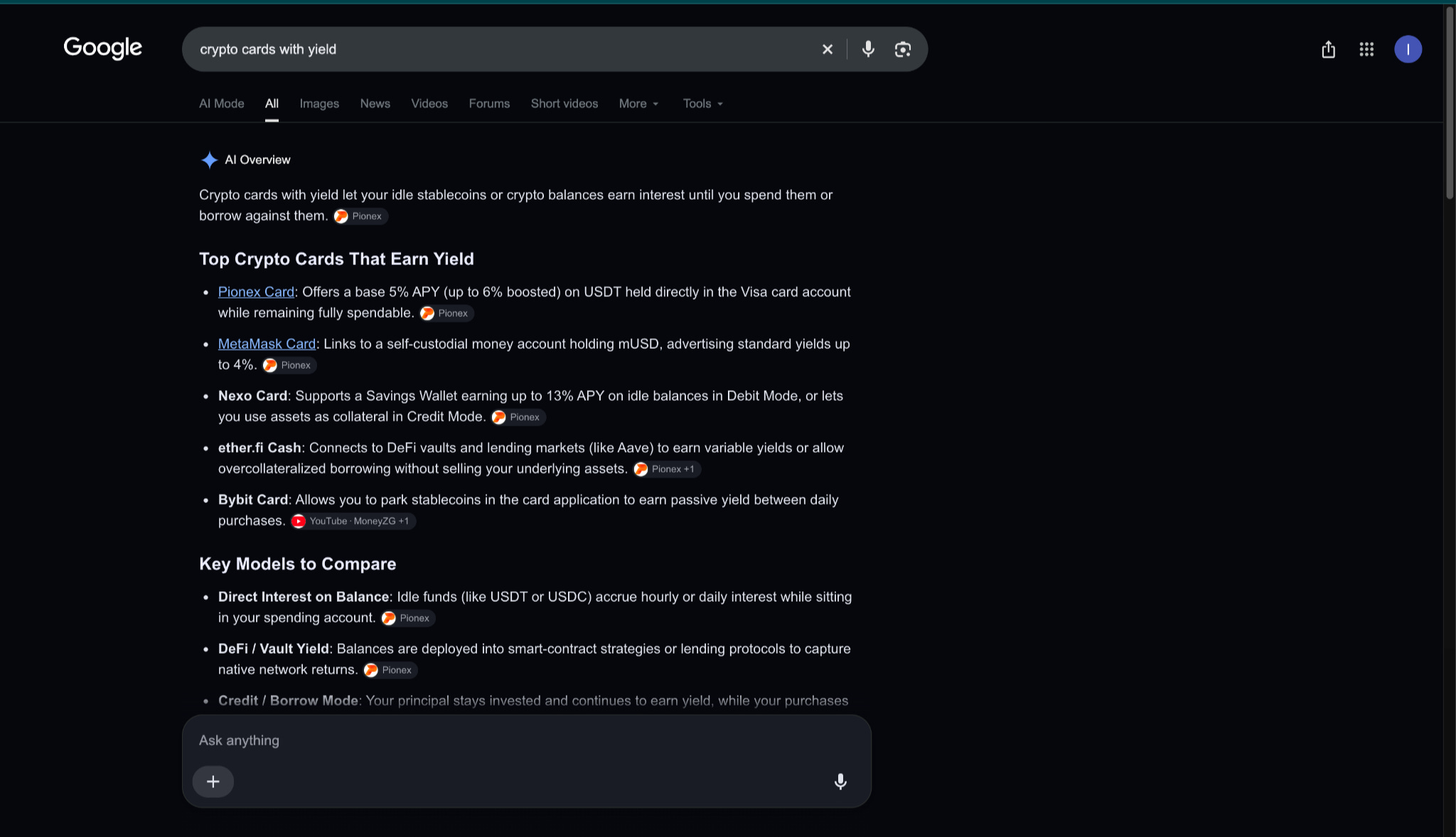
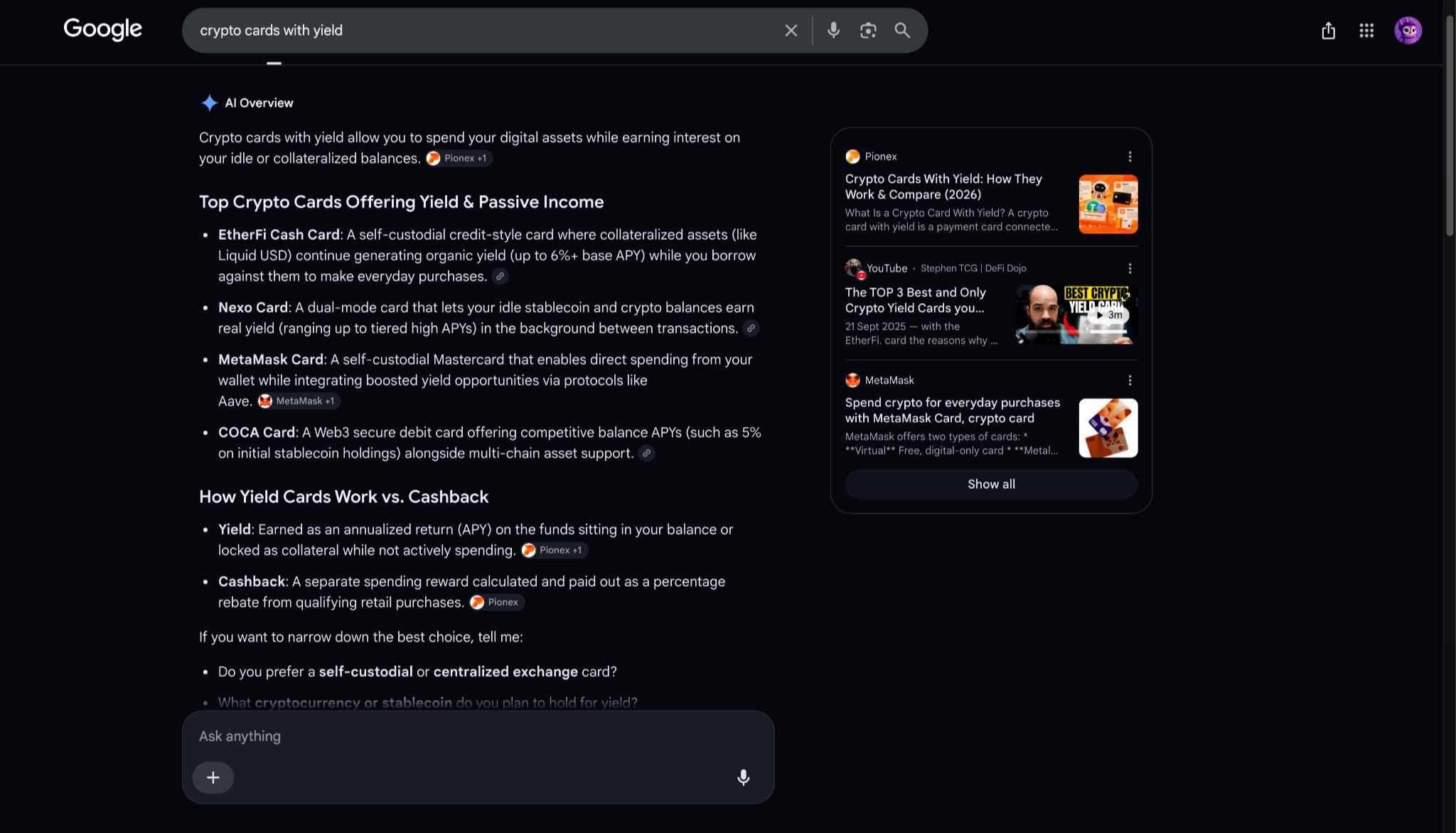
The article was already ranking #1 on Google Search, outranking other “best crypto card” listicles when I searched for “crypto cards with yield”.
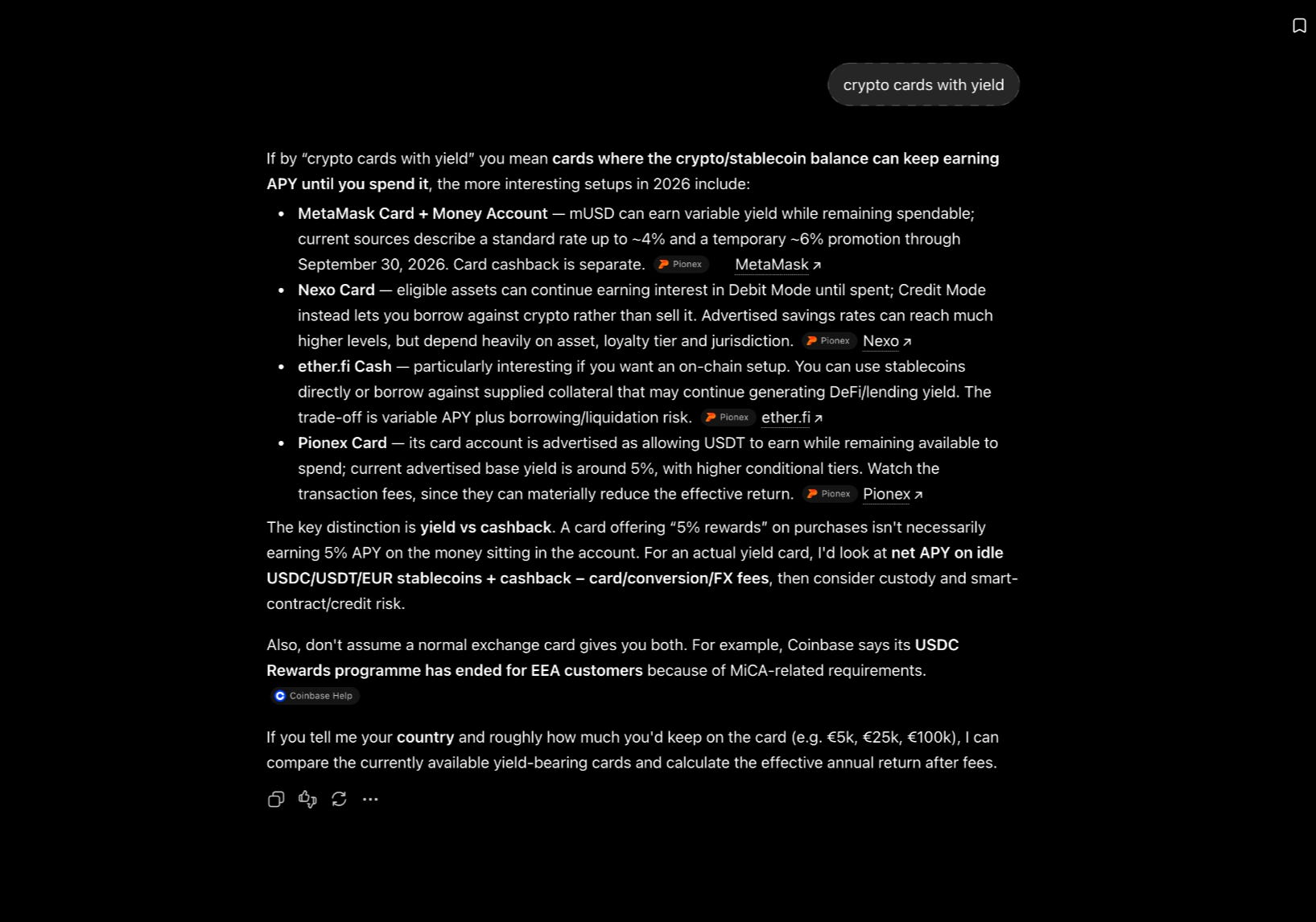
Google’s AI Overview pulled a comparison table from the article when answering “best crypto cards with yield” queries. In most of the searches I tested, Google placed Pionex Card first or included it among the top crypto cards with yield, while citing the article as a source. The same thing happened with ChatGPT when I searched multiple times using incognito chat.
You can do this too
I turned the Semrush structure from this experiment into a reusable writing skill, so you don’t need to repeat the whole process of feeding Semrush articles into Codex every time.
The skill is available on GitHub here: Semrush Editorial Writing Framework.
It works natively with Codex, but the instructions are written in Markdown, so you can also use them with ChatGPT, Claude, Gemini, Cursor, GitHub Copilot and other AI tools.
If you use Codex
Step 1: Install the skill
Give Codex the GitHub repository and ask it to install the skill:
Install this skill:
https://github.com/TechDivar/semrush-editorial-writing
You can also install it manually from your terminal:
git clone https://github.com/TechDivar/semrush-editorial-writing.git ~/.codex/skills/semrush-editorial-writing
If Codex doesn’t detect it immediately, reopen or restart Codex.
Step 2: Give it your topic and context
You can invoke the skill directly with:
Use $semrush-editorial-writing to write a source-backed guide about [topic].
But I recommend giving it more than just a keyword. Add your target reader, search intent, relevant documentation, original data, existing content and any research you have.
For example:
Use $semrush-editorial-writing to write a guide about managing remote teams.
Target reader: managers leading distributed teams.
Use the attached fan-out queries as a guide.
Use our internal survey data and documentation where relevant.
Naturally interlink with the related articles I provide.
Verify changing claims and suggest useful charts, screenshots and images where they would strengthen the article.
The skill can work from only a topic, but supplying the reader, search intent, related articles, documentation, current data and original findings gives it much richer material to work with.
Step 3: Give it your evidence
This part matters.
Upload or connect the things you want the article to draw from, such as:
internal or original data;
official documentation;
original screenshots;
test results;
calculations;
customer or product insights;
relevant existing articles; and
primary external sources.
The skill is designed to use evidence rather than invent first-hand experience, company data or unsupported claims.
Step 4: Let it draft the article and production notes
Depending on the topic, the resulting draft can include an answer-first introduction, definitions, comparisons, examples, calculations, risks, limitations, methodology and practical next steps.
It can also recommend where a chart, screenshot, table or diagram would genuinely make the argument clearer.
That last part became useful in my experiment because I could take those image and chart instructions straight into ChatGPT and create the missing visual assets.
If you use ChatGPT, Claude or Gemini instead
You don’t need Codex.
Download these files from the repository:
SKILL.md
references/semrush-article-format-and-eeat-brief.md
references/editorial-format.md
Attach the relevant files to your chat or project, then prompt:
Follow SKILL.md and its relevant reference files as the editorial instructions for this task.
Write a source-backed guide about [topic] for [reader/brand].
You can then give it the same additional context you would give Codex: fan-out queries, original data, documentation, existing content, screenshots, test results and anything else that can make the article more useful and specific.
The same approach also works with tools such as Claude Code, Gemini CLI, Cursor and GitHub Copilot. The main requirement is that the AI can read SKILL.md and the relevant reference files before it starts writing.
And that’s pretty much it.
Instead of repeatedly asking an AI to study and reproduce the structure of strong editorial content, you give it the framework once, then combine that framework with your own research, data, fan-out queries and subject-matter knowledge.
That’s it for my letter to you today . I hope you’re able to try out some of the things you’ve learnt from this.
See you in your inbox again soon